
Voco
Hold Fn, speak, and release to type at your cursor. Voco runs speech recognition on your Mac and works offline after model setup.
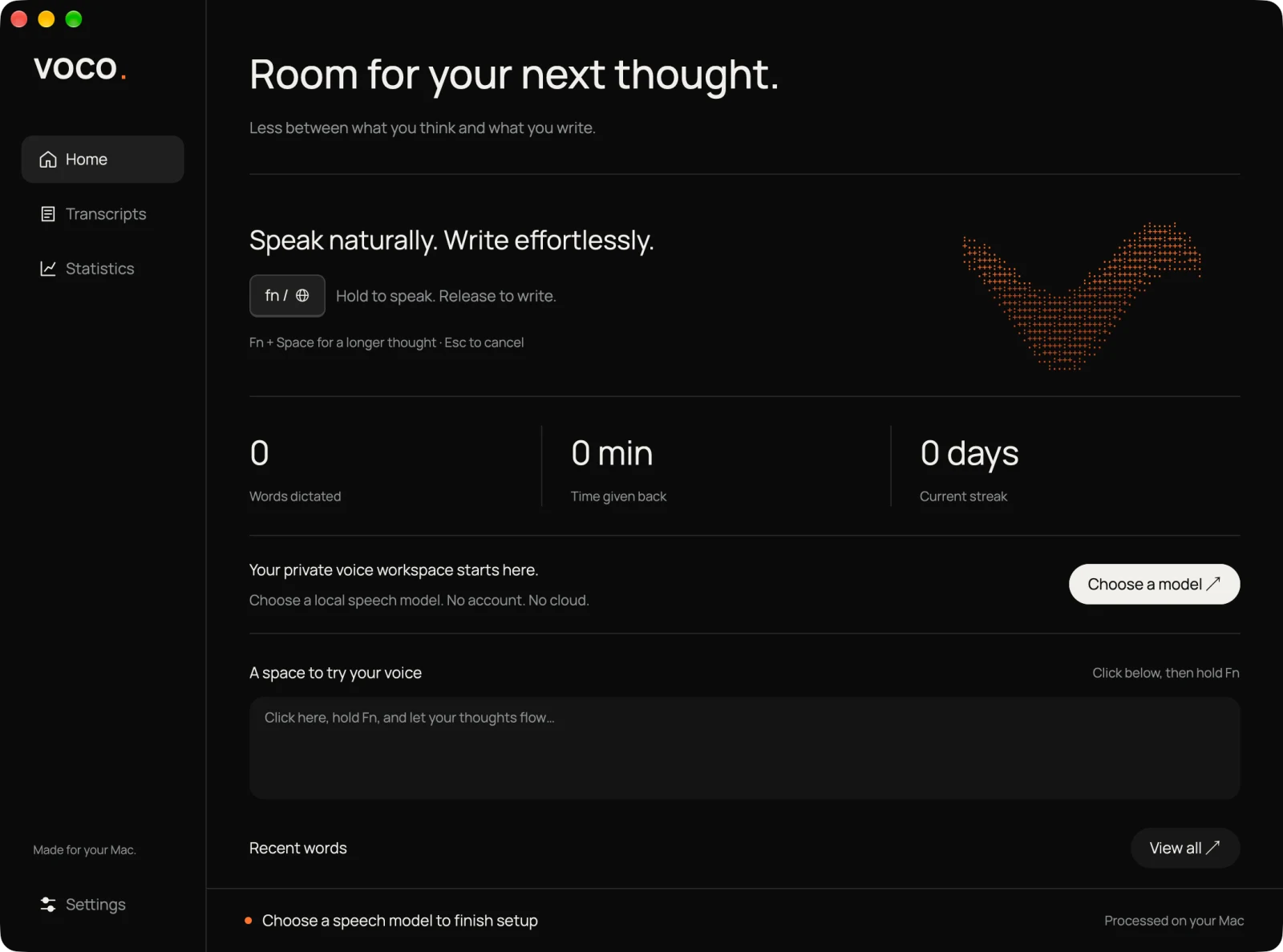
Overview
Voco is a menu-bar dictation app for Apple Silicon Macs. Hold Fn or Globe to record, then release to transcribe and insert your words in the focused app. I moved it from Electron and a Swift helper to one Rust executable, with GPUI rendering the dashboard and recording pill through Metal.
What I built
- Combined recording, global shortcuts, cancellation, and text insertion in one Rust app. Fn + Space toggles continuous dictation, and Escape cancels recording or pending transcription.
- Added local recognition with Moonshine, NVIDIA Parakeet, and Whisper. Models need an initial download, then recognition works offline.
- Built output modes for the original transcript, rule-based cleanup, and punctuation with Apple FoundationModels. Formatting falls back to rule-based output if it is unavailable, times out, or changes protected text.
- Checked the destination before insertion and skipped password fields. If the app, field, selection, or readable text changes, Voco keeps the transcript for recovery. Audio and transcript history stay in memory.